What each indicator does, and how to actually use it.
The three indicators map directly onto the three-step methodology: one to find a zone, one to confirm it, one to decide whether to actually take the trade.
Arkonos Gold Core
Unlock the rhythm of the gold market. A specialized institutional-grade indicator suite designed specifically for XAU/USD traders.
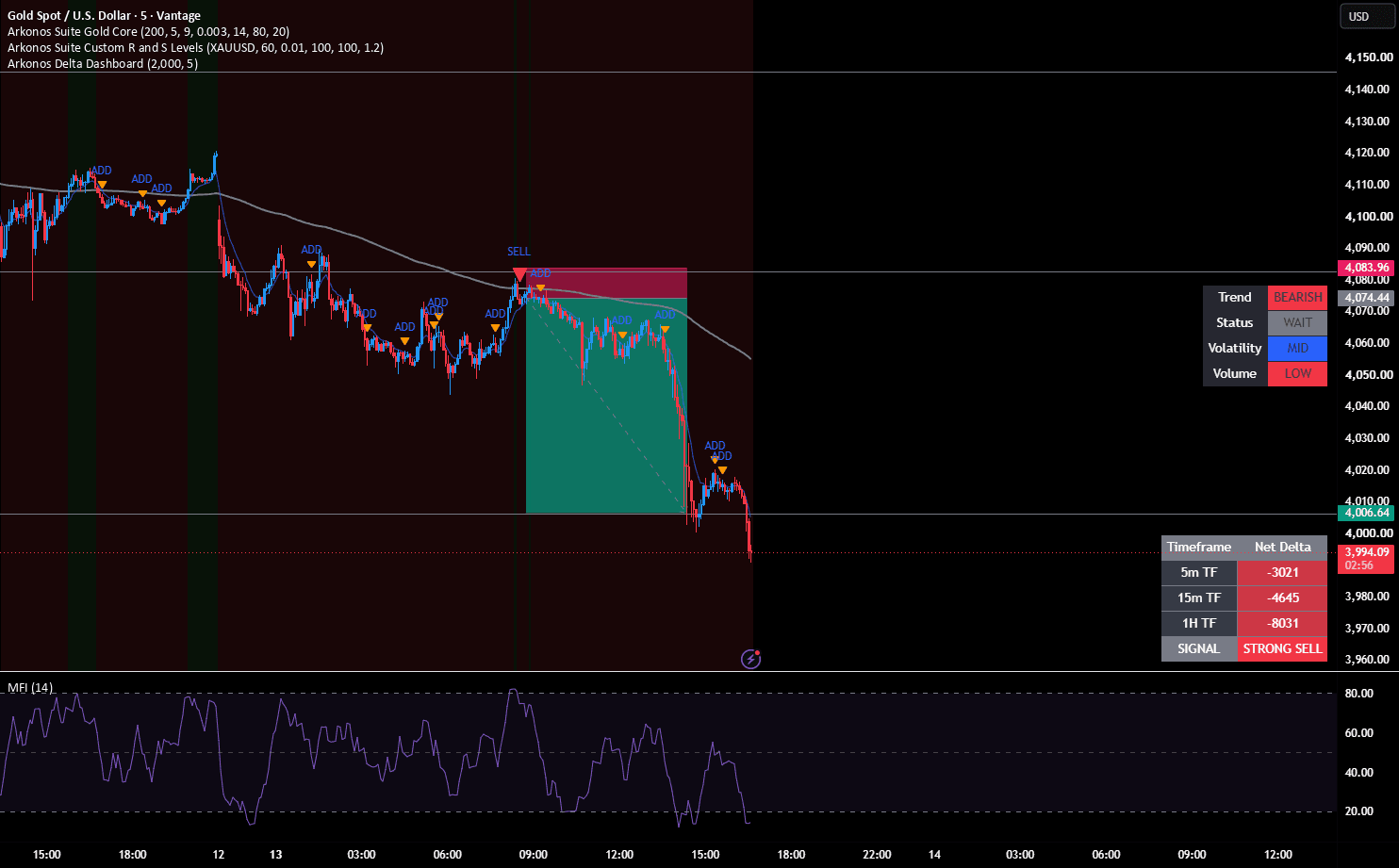
How to use it
Add it to an XAU/USD chart and it marks the price levels where volume and structure suggest real institutional interest, not retail noise. Treat a marked zone as a candidate, not a signal on its own — the next step (Custom Levels) is what actually confirms it.
Markets
Purpose-built for XAU/USD specifically.
Arkonos Custom Levels
Stop manually drawing lines. A high-precision, adaptive tool that identifies zones where price has historically shown rejection.
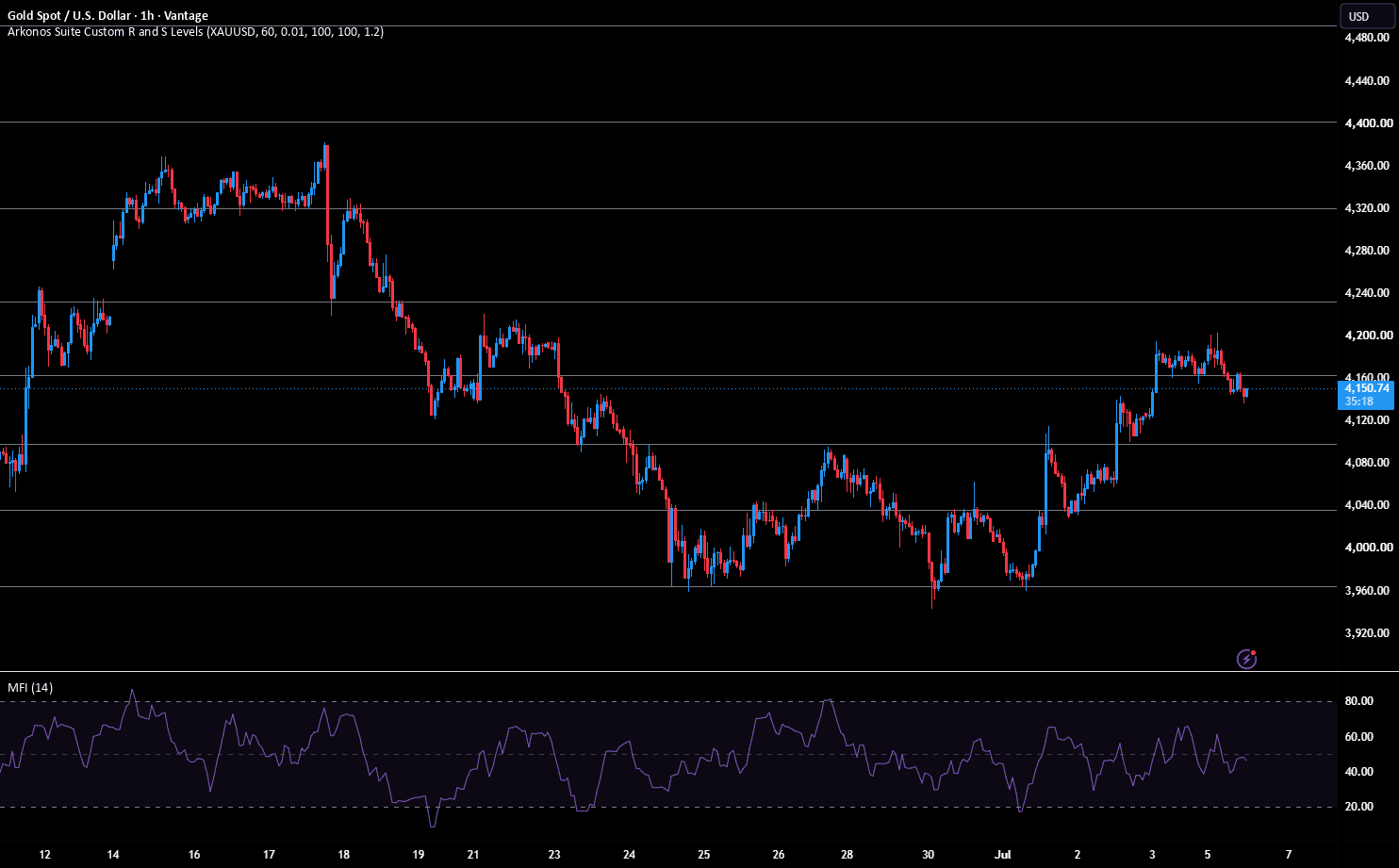
How to use it
Run it on the same chart once Gold Core has flagged a zone. It cross-checks that zone against adaptive, ATR-based confluence and automatically marks rejection zones, so you're not manually drawing lines or eyeballing whether a level actually holds.
Markets
Works across most liquid forex pairs and indices, in addition to gold.
Arkonos Delta Dashboard
The "Ultimate Toolbox" — translate strategy into a clear, actionable dashboard view of market delta and conviction.
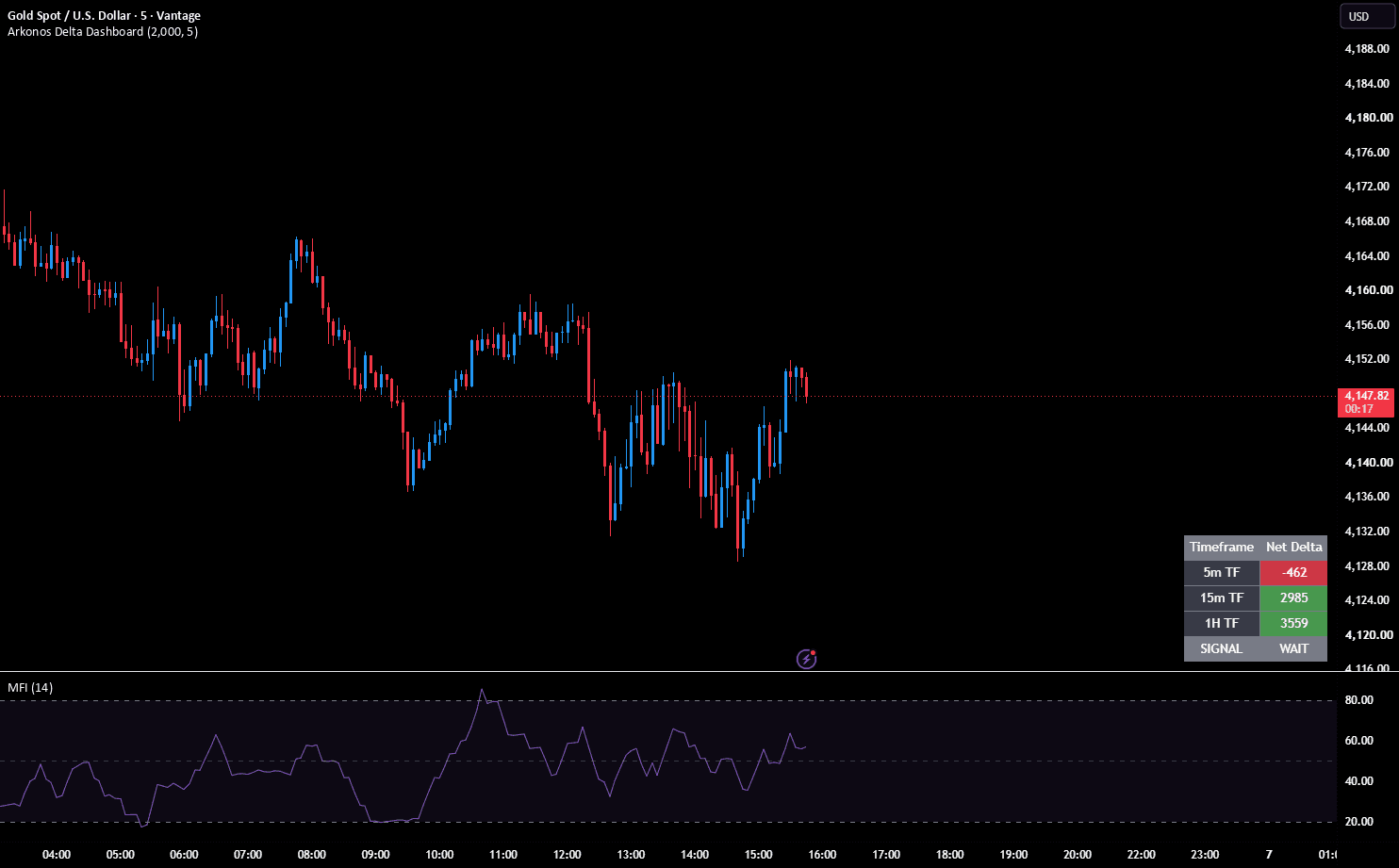
How to use it
Check the dashboard before you actually enter. It gives an at-a-glance read of market delta and conviction, so the final call to enter, size, and manage the trade is made against that read and your own fixed rule set, not a gut feeling in the moment.
Markets
Works across most liquid forex pairs and indices, in addition to gold.
Timeframes
All three work on any timeframe, though intraday setups (M15–H4) are where most of our own testing has focused.
Getting access after checkout
After checkout, you'll be prompted to enter your TradingView username. Access is currently granted by manual invite from us — you'll typically see the indicator added to your account within one business day.